
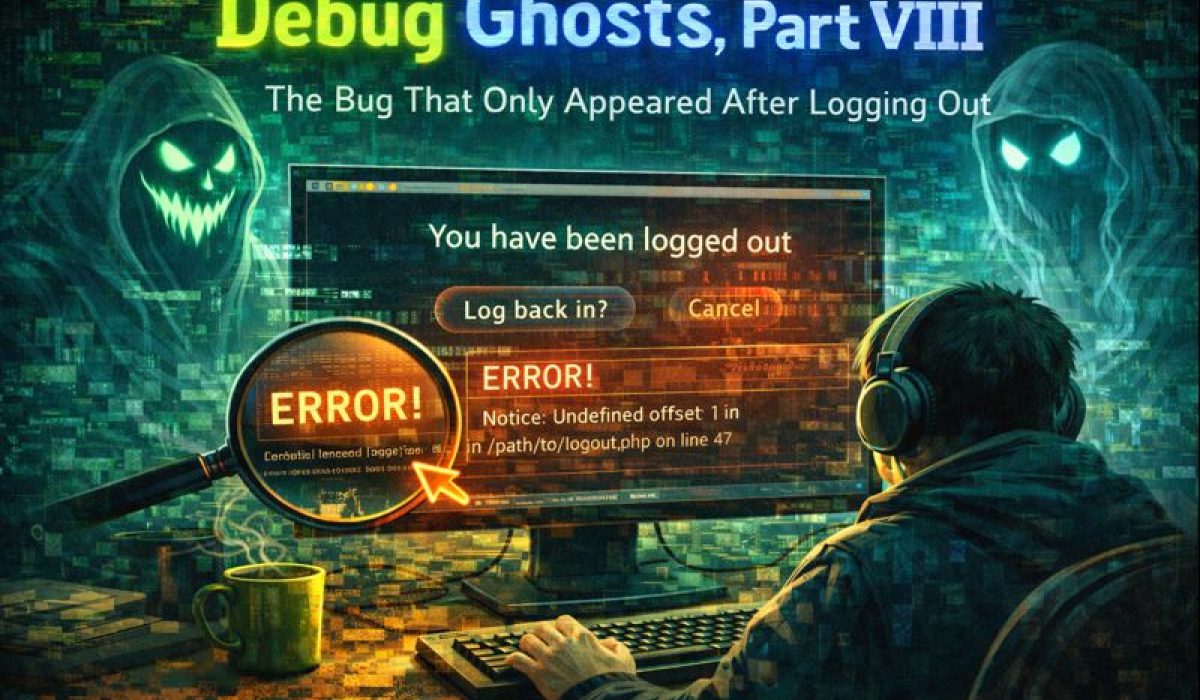
Debug Ghosts, Part VIII
The Bug That Only Appeared After Logging Out
Some bugs feel like broken code.
This one felt like broken reality.
Everything looked correct:
-
The login page rendered.
-
The “Log in” link existed.
-
The session appeared to be guest.
-
Switching websites worked sometimes.
-
Logging out seemed to work.
And yet…
After logging out, clicking “Log in” would immediately bounce back to/index/1.
No error. No warning. Just a clean redirect—like the site was politely refusing to let me log in.
Welcome to another episode of Debug Ghosts.
The Symptom: Login That Refused to Stay Put
The failure mode was maddeningly specific:
-
Start as Guest → ✅ everything works
-
Log in → ✅ works
-
Switch websites (Home → select website) → ✅ sort of works
-
Log out → ✅ seems to work
-
Click Log in → ❌ bounce to
/index/1instantly -
Restart browser / restart LAMPP → ✅ suddenly works again
That last step was the clue:
If “restart fixes it,” you’re probably staring at session state.
The Two Ghosts Hiding in One Bug
This wasn’t one bug. It was two bugs that amplified each other.
Ghost #1 — The “Identity That Didn’t Fully Die”
After a logout or website switch, you’d expect the session to become a clean guest.
But TFOL had multiple session conventions in circulation:
-
In some places, Guest was id=2 / account_id=1
-
In other places, Guest was id=0 / account_id=0
-
In a worst-case scenario, “guest-ish” still kept role/name from a prior login
So the session could end up in a state like:
-
role=guestbutid/account_idinconsistent -
or
id/account_idreset butrole/forenamestill looked like a member -
or the UI checked one field and PHP checked another
That’s how you get navigation that looks right… but routes wrong.
Ghost #2 — A Redirect That Ran Even When It Shouldn’t
The bigger “haunted house” moment:
the login page was being redirected on GET.
So even when /login/1 was routed correctly, the page never got a chance to render.
This is the kind of bug that feels like caching because it’s clean, deterministic, and silent.
The Breakthrough: Logging the Session Like a Crime Scene
I added lightweight debug logging:
-
what route was being hit
-
what
$partswas resolving to -
what the session thought “identity” was
Example log shape:
[LOGIN HIT] uri=/focus-local/public/login/1 parts=["login","1"] sess_website=1[LOGIN DEBUG] {"id":2,"account_id":1,"role":"guest","forename":"Guest","website":1}
Even when identity looked like guest, /login/1 still bounced.
At that point the conclusion was unavoidable:
The redirect was happening inside the login controller, not in the router.
So I grepped the file for redirects and found the smoking gun:
a redirect to index sitting at top-level scope (executing on every request, including GET).
The Fix: Make Guest Mean One Thing and Redirect Only on Success
Fix A — Centralize Guest Reset: resetToGuest()
Instead of manually setting random session keys in multiple pages, I extracted a reusable helper:
-
clears identity keys that can leak (role/forename/account_id/etc.)
-
clears UI state that shouldn’t carry across websites
-
restores TFOL’s canonical guest identity consistently
-
preserves the selected website
That eliminated the “half-logged-in” and “0/0 vs 2/1” flip-flops.
Fix B — Login GET Must Not Mutate Session
The login page on GET should do exactly two things:
-
resolve website context
-
render the login form
No redirects. No guest resets. No “helpful” routing.
Fix C — Redirect Only in the POST Success Branch
Successful login must:
-
create session
-
redirect to member
-
exit
So the redirect belongs only here:
$cms->getSession()->create($member, (int) $website['id']);redirect('member/' . (int) $member['id']);exit();
The Lesson: Session State Is a Boundary, Not a Variable
This bug existed because I had multiple “definitions” of identity:
-
the nav bar definition
-
the PHP session definition
-
the website-switch definition
-
the logout definition
They weren’t unified.
And when identity isn’t unified, you get “hauntings”:
-
links that bounce you to other sites
-
login pages that refuse to render
-
behavior that resets after a browser restart
The fix wasn’t a clever conditional.
The fix was making state transitions explicit and consistent:
-
one definition of guest
-
one helper to reset to guest
-
login GET renders
-
login POST redirects on success
Smoke Test That Now Stays Green
This is the test that used to fail:
-
Guest → login works
-
Logged-in → Home → switch websites
-
Guest view on new site
-
Login renders and works
-
Logout returns to same website
-
Login works again without restarting browser
If that’s green, the ghosts are gone.
Epilogue
A browser restart didn’t “fix caching.”
It just cleared a session that still thought I was someone else.
And once I made Guest mean one thing—and enforced redirect discipline—the site stopped being haunted.
For now.
(They always come back.)
Posted in ghost-stories by TFOL BLOG