
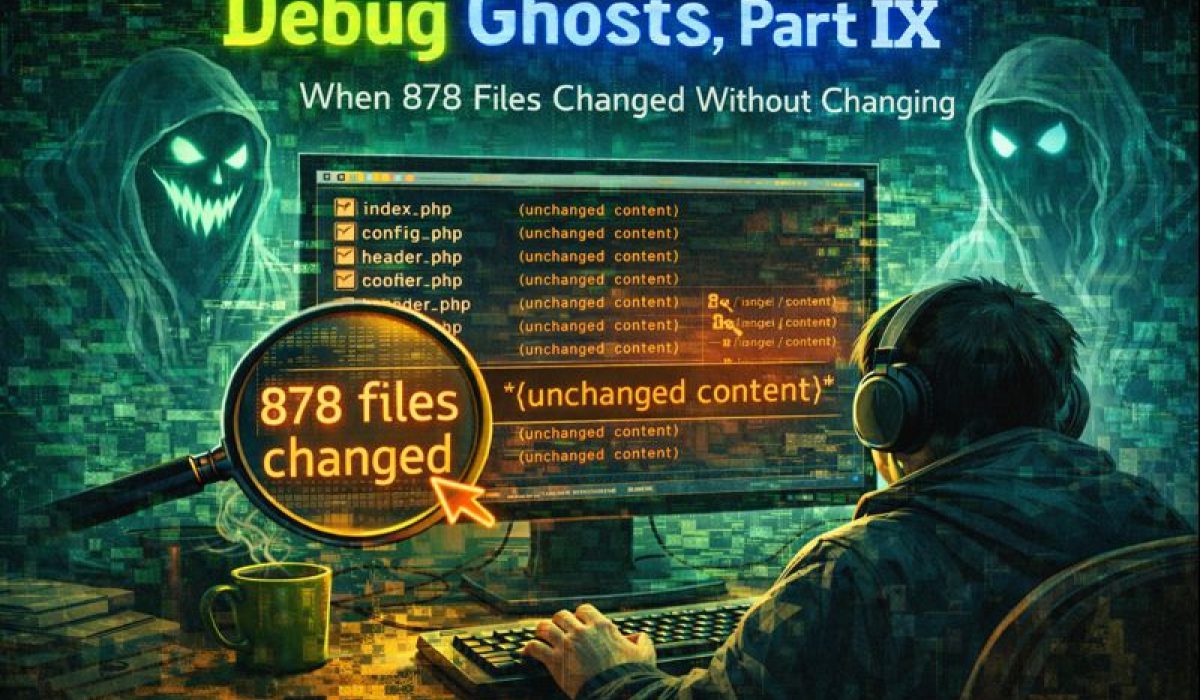
Debug Ghosts, Part IX
When 878 Files Changed Without Changing
I opened VS Code expecting to pick up where I left off the night before. Instead, I was greeted by a wall of red.
Hundreds of files.
Hundreds of changes.
The Source Control panel scrolled…and scrolled…and kept scrolling.
The count stopped somewhere around 878 modified files.
I hadn’t touched them.
I hadn’t pulled anything.
I hadn’t merged a branch, run a script, or updated a dependency—at least not intentionally.
Yet there they were.
If you’ve spent enough time writing software, you know this feeling. The moment when your brain tries to reconstruct the last twelve hours of your life, searching for the one reckless thing you must have done. The moment when suspicion spreads outward: Was it Symfony? Composer? A rogue formatter? Did I accidentally save the wrong workspace?
This was the kind of change count that suggested catastrophe. The kind that makes you hesitate before touching anything else.
So I didn’t.
Instead, I asked the only authority that matters.
The First Question: What Does Git Say?
Before blaming frameworks, editors, or myself, I did the one thing that has saved me more times than I can count:
I checked Git.
git statusGit responded calmly. Almost dismissively.
Two files.
Two.
Exactly the two files I expected to be modified from yesterday’s work.
No vendor explosion.
No mass rewrite.
No mystery edits.
Just two honest, intentional changes sitting exactly where they should be.
At that moment, the panic should have stopped.
But when your editor is screaming and Git is whispering, it takes a minute for your nervous system to believe the whisper.
The Red Herrings Line Up
My first assumption was Symfony. It’s a reasonable suspect. Symfony is powerful, complex, and perfectly capable of touching hundreds of files if prompted. Composer installs can do that too, and so can dependency updates triggered by tooling.
But Git showed no dependency churn.
No vendor/ storm.
No lockfile changes.
Next suspect: .gitignore.
Maybe something had been removed. Maybe ignored files were suddenly visible. Maybe VS Code was showing me files Git didn’t care about, but in a way that looked like a repository crisis.
But again, Git stood firm.
Nothing had changed.
At this point, the ghost wasn’t in my codebase. It was in my tools.
A Quiet Clue from Yesterday
Then I remembered something small. Something mundane.
The day before, I had finally succeeded in updating VS Code itself. A long-delayed update, installed after a few false starts.
Nothing else.
Just the editor.
That was the clue.
The Ghost Reveals Itself
Here’s what happened.
When VS Code updates, especially on Linux, it doesn’t just replace itself and carry on. On first launch after an update, it:
-
Reinitializes file watchers
-
Rebuilds internal caches
-
Reloads extensions
-
Rescans large directory trees
-
Re-evaluates ignored and excluded paths
For a large project—especially one with deep folder trees, ignored directories, or lots of generated files—this can briefly look like the world has changed.
Files that were always there get reindexed.
Timestamps get touched.
Watchers fire.
Extensions wake up and start observing everything at once.
VS Code’s UI reacts quickly. Git, thankfully, does not.
The editor thought something had happened.
The repository knew better.
The Exorcism
I closed VS Code.
I reopened it.
That was it.
No ceremony. No rollback. No cleanup scripts. No desperate Googling.
When VS Code came back up, the ghost was gone.
The Source Control panel was calm.
The file tree looked normal.
The only changes visible were the same two files Git had reported all along.
The phantom diff had vanished.
Why This One Matters
This wasn’t a bug in my code.
It wasn’t a misconfiguration.
It wasn’t even a mistake.
It was a perception failure.
Modern development tools do a lot on our behalf—sometimes too much, too fast, and too noisily. Editors observe. Extensions interpret. UI layers speculate. And occasionally, they panic.
Git doesn’t.
Git is slow, boring, and exact. It doesn’t care what your editor thinks. It only cares about what actually changed on disk and what you’ve chosen to track.
That’s the lesson here.
When your editor screams, ask Git.
Ghost Survival Rule #9
Never trust your editor on first launch after an update.
Especially if:
-
The change count is enormous
-
You didn’t consciously make those changes
-
Git disagrees
Close the editor.
Reopen it.
Ask Git again.
Most ghosts don’t survive a restart.
The Real Danger
The danger wasn’t the phantom changes themselves.
The danger would have been reacting to them.
Rolling back files that didn’t need rolling back.
Discarding work out of panic.
Chasing a non-existent bug through configuration files and dependencies.
Ghosts feed on urgency. The fastest way to empower them is to assume the worst before verifying the facts.
A Calmer Ending Than It Began
By the end of the morning, nothing had been lost. Nothing had been rewritten. Nothing had needed fixing.
But something had been reinforced.
Tools are not sources of truth.
They are lenses.
And sometimes, they fog up.
When that happens, don’t argue with the ghost. Don’t chase it through the halls of your codebase.
Just ask Git.
It’s usually the only thing in the room that knows what actually happened.
End of Part IX 👻
Posted in ghost-stories by TFOL BLOG